Style
The visual language: photorealistic, cinematic, watercolor, oil painting, 3D render, anime, minimalist. Style tells the model the look and medium so the image feels coherent.
Browse 2,441 standalone image prompts, organized into 349 visual collections. Every prompt can be copied and used on its own, while prompts in the same collection share a consistent visual style.
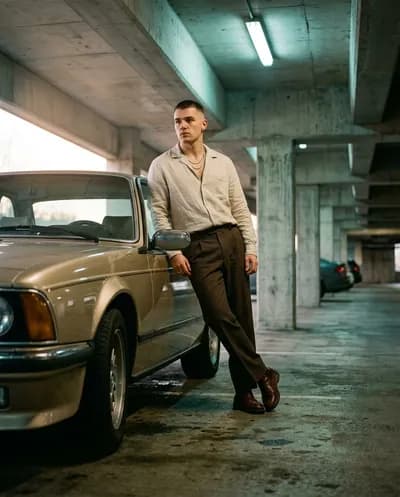 Fashion
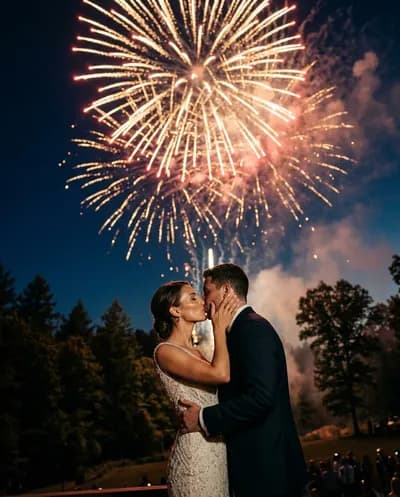 Couple Portraits
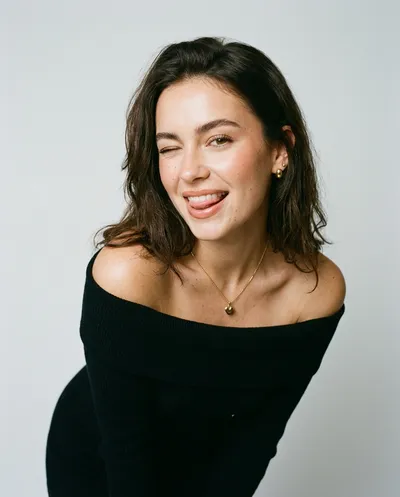 Selfie & Portrait
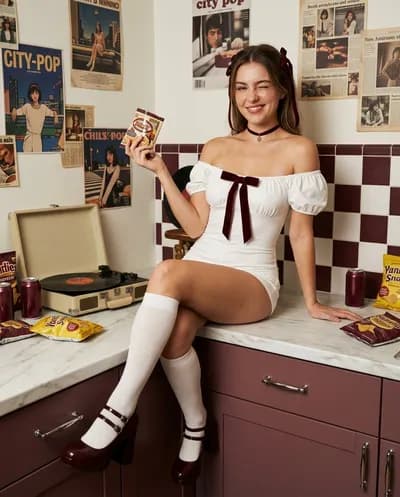 Fashion
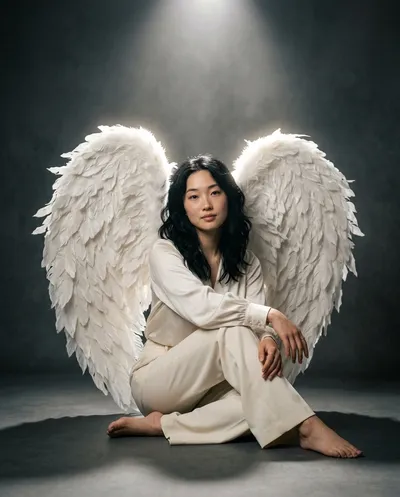 Fashion
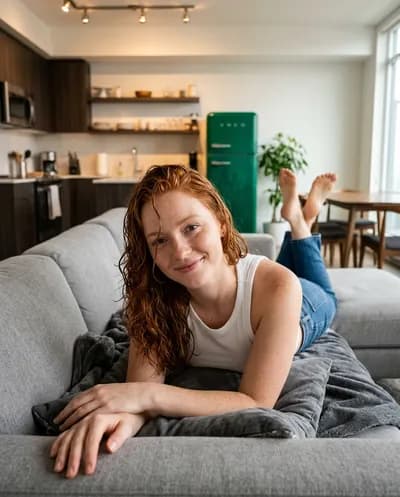 Selfie & Portrait
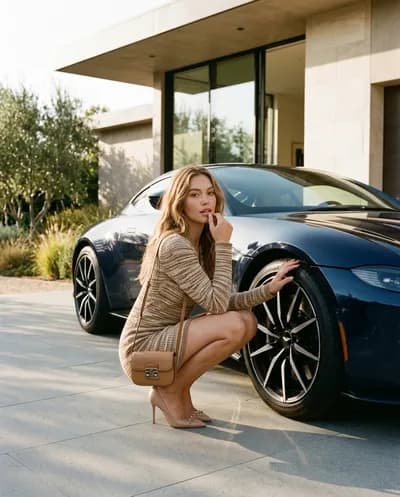 Fashion
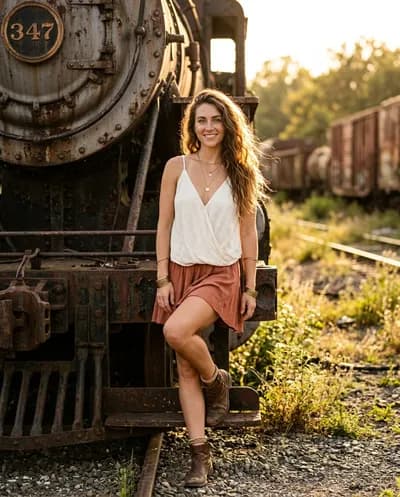 Fashion
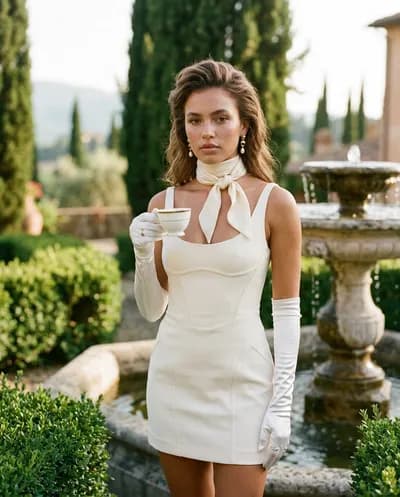 Fashion
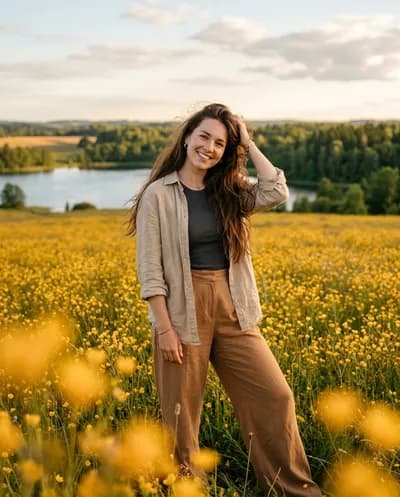 Selfie & Portrait
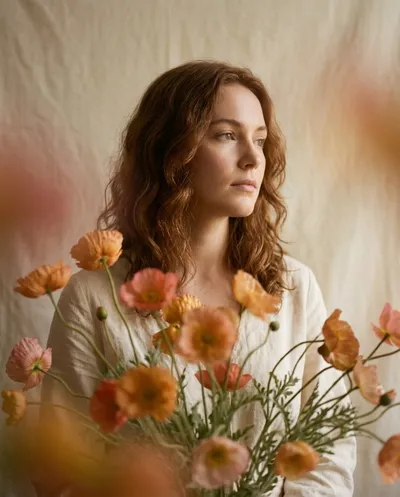 Illustration
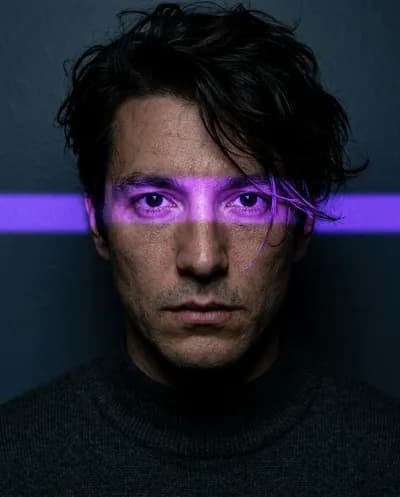 Selfie & Portrait
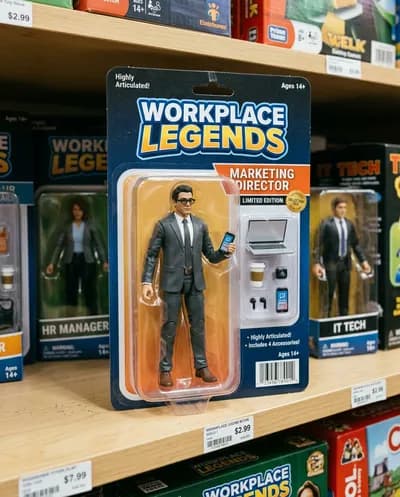 Action Figure & Collectibles
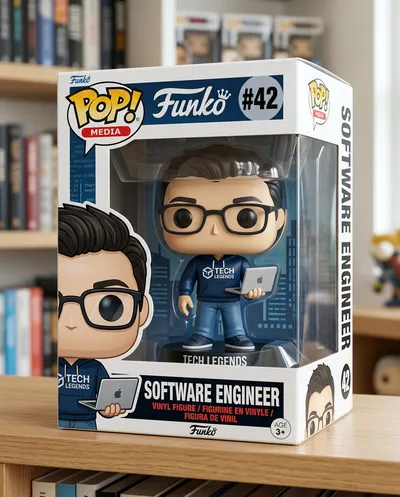 Action Figure & Collectibles
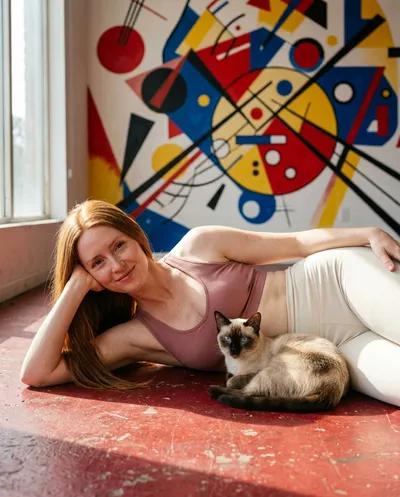 Selfie & Portrait
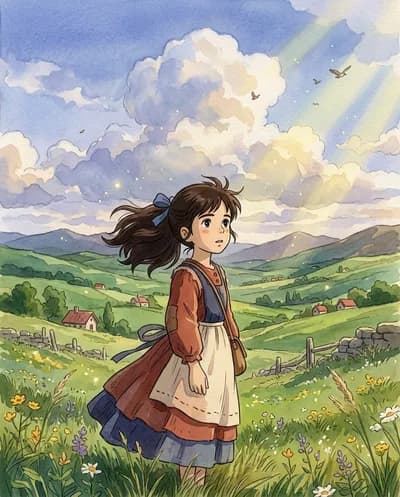 Anime & Manga Style
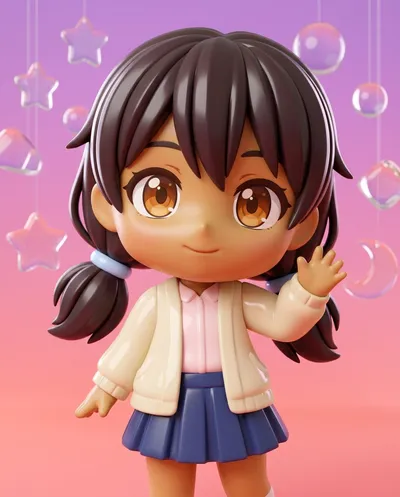 Anime & Manga Style
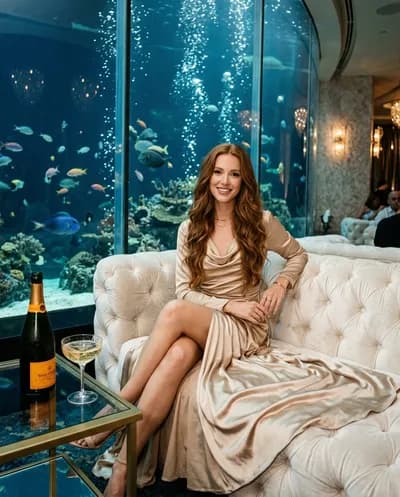 Fashion
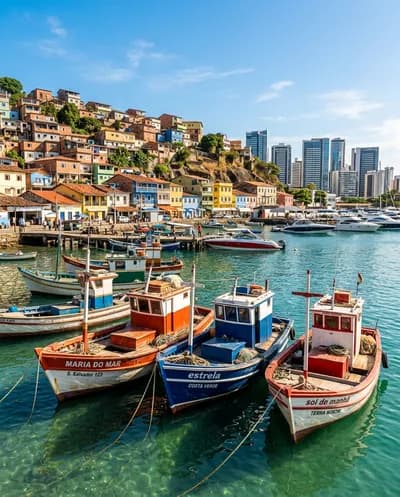 Architecture & Interior
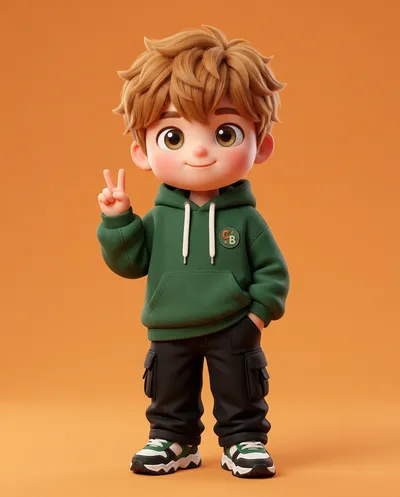 Anime & Manga Style
Showing 140 of 2,441 prompts
An AI image prompt generator turns a rough idea into a clear, structured prompt so tools like Midjourney, DALL-E, Flux, Nano Banana, Imagen, and Stable Diffusion give you better, more consistent images. GetBetterPrompts is a free prompt enhancer with thousands of standalone prompts organized into visual collections. Describe your own idea or browse the gallery, then paste the result into your preferred tool.
Strong AI image prompts combine a clear subject with style, setting, lighting, composition, and more. Here is what each element controls and why it matters.
The visual language: photorealistic, cinematic, watercolor, oil painting, 3D render, anime, minimalist. Style tells the model the look and medium so the image feels coherent.
Where the scene takes place: indoor, outdoor, studio, beach, city, forest, café, or clean background. Setting defines context and helps the AI place the subject in a believable environment.
The emotional tone: dreamy, calm, vibrant, tense, ethereal, noir. Mood influences color, lighting, and composition so the image matches the feeling you want.
How the scene is lit: golden hour, studio, soft, natural, dramatic, backlight, low key. Lighting shapes depth, mood, and realism; it's one of the strongest levers for quality.
Color palette and treatment: warm, cool, monochrome, vintage, high contrast, muted, vivid. Color sets the overall tone and can make an image feel cohesive or stylized.
Surface and material feel: lifelike skin, matte, glossy, rough, smooth, leather, fabric, metallic. Texture adds realism or a specific finish, especially for product and portrait shots.
Framing and placement: wide shot, close-up, medium shot, aerial, rule of thirds, centered, eye-level. Composition controls what's in frame and how the viewer's eye moves.
Lens and depth: 35mm, 50mm, 85mm, wide angle, telephoto, macro, shallow DOF, deep focus. Camera choice affects perspective, compression, and bokeh for a more photographic result.
AI image generators respond best when you specify style, lighting, composition, mood, and framing. Below are common questions about writing better prompts.
Describe your subject clearly, then add style (e.g. photorealistic, cinematic), lighting (golden hour, studio), composition (rule of thirds, close-up), and mood. Structured prompts with 4-6 of these elements consistently produce better, more predictable images across DALL-E, Midjourney, Flux, Nano Banana, and Imagen.
Style (cinematic, watercolor, minimalist, etc.) tells the model the visual language. Without it, the AI picks at random; with it, you get a coherent look. It is one of the most important levers for controlling the final image.
Both Nano Banana and Imagen respond well to structured prompts with a clear subject, style, lighting, and composition. Specify mood and color palette for more consistent results. Our tool builds prompts following each model's recommended structure so you get better output without memorizing the format.
Lighting defines mood, depth, and realism. Terms like "golden hour", "soft studio light", or "dramatic shadows" steer the model toward a specific look. Good lighting description often matters more than extra object details.
Composition is how elements are arranged: rule of thirds, symmetry, leading lines, negative space. It controls balance and focus. Specifying it (e.g. "subject on the left third") helps the model place the subject and avoid cluttered or awkward layouts.
Mood (calm, tense, nostalgic) and color (warm palette, muted tones, high contrast) set the emotional tone. They align the image with your intent and make outputs feel more consistent across generations.
Aspect ratio (1:1, 16:9, 9:16) matches the image to its use: social post, banner, story. Wrong ratio leads to cropping or empty space. Specifying it upfront gives you a frame that fits your layout.
Framing (close-up, medium shot, wide, bird's eye) defines what is in frame and how much detail the model emphasizes. It is like giving the AI a virtual camera position, so you get the right scale and focus instead of a generic mid-shot.
Golden hour is the period shortly after sunrise or before sunset when light is warm, soft, and directional. In prompts, it adds a cinematic, flattering look with long shadows and orange-gold tones. It is one of the most popular lighting keywords for portraits and landscapes.
The rule of thirds divides the frame into a 3×3 grid. Placing the subject or key elements along these lines or at their intersections creates balance and visual interest. Specifying it in your prompt helps the AI compose the image more like a professional photograph.
You can reuse a visual brief, but each product supports and interprets prompt language, references, parameters, and editing controls differently. Keep the subject and creative goal, then adapt the wording and controls to current product documentation and review the result.
Negative prompting tells the AI what to avoid: blurry, low quality, extra fingers, text, watermark. It is supported by Stable Diffusion, Flux, and others. Adding negative constraints helps the model skip common artifacts and produce cleaner results.
On this page. Browse thousands of standalone, copy-ready AI image prompts organized into visual collections for Midjourney, Nano Banana, GPT Image, Flux, and more. Each prompt includes an example image. Free, no login.
Yes. The image prompt tool and gallery are currently free to use without an account. Describe an idea or browse the gallery, then adapt the copied prompt to your chosen image product.
The prompts work with all major AI image generators: Midjourney, DALL-E, Flux, Ideogram, Stable Diffusion, Nano Banana, Imagen, and others. Select your target model in the tool for optimized output, or leave it on Auto and the prompt will work well across tools.